Traditional AI agents sit in the corner of your website, waiting to be clicked. They answer questions one at a time, usually with canned responses that feel robotic and unhelpful. AI Mode takes a fundamentally different approach. Instead of adding a AI agents to your website, it transforms your entire website into an AI-powered experience. When a visitor activates AI Mode, the page transitions into a full-screen conversational interface that understands your content, answers complex questions with rich visual blocks, and guides visitors to exactly what they need.
How AI Mode Works Under the Hood
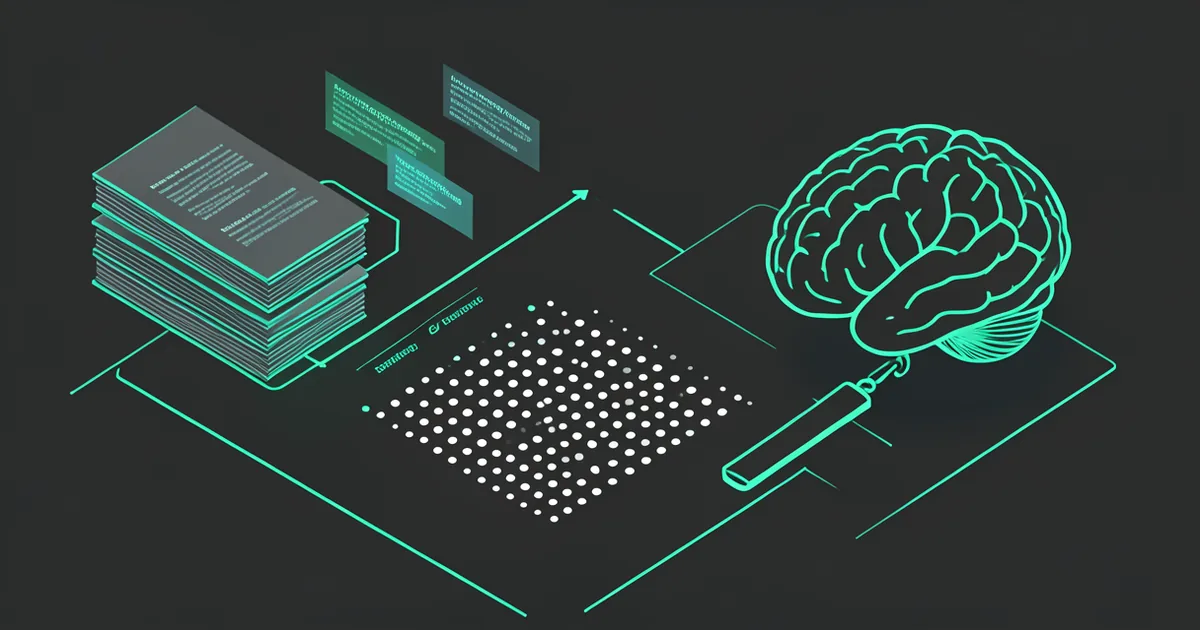
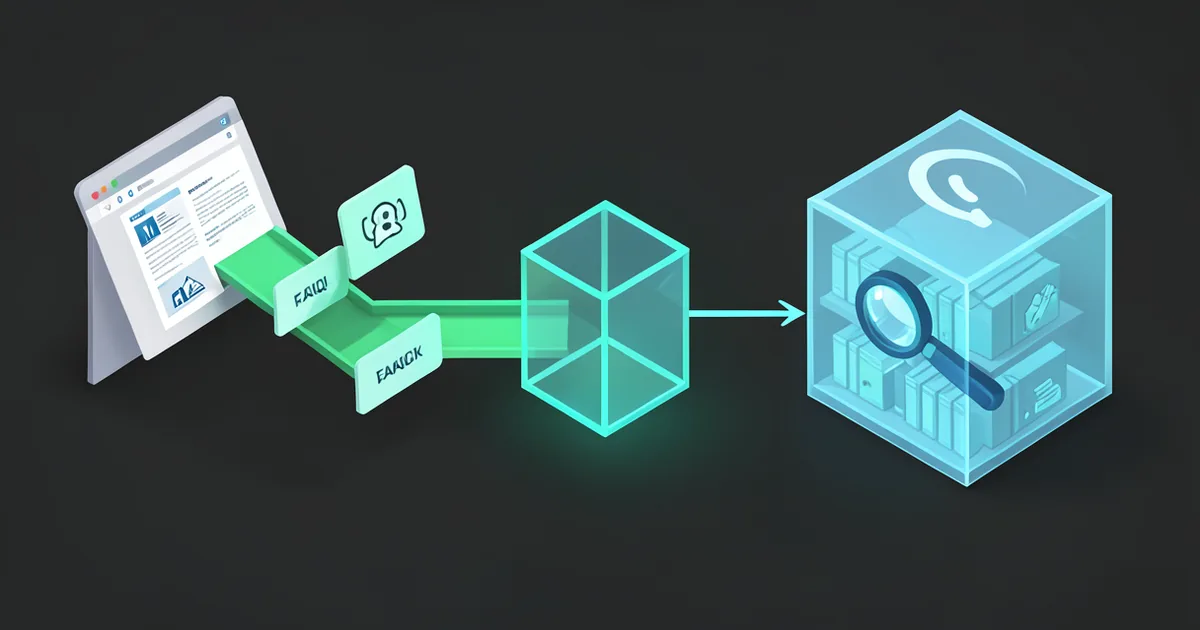
AI Mode is built on three core technologies working in concert. First, a RAG (Retrieval-Augmented Generation) pipeline that indexes your entire website content, documents, and knowledge base into vector embeddings. When a visitor asks a question, the system retrieves the most relevant chunks of your content and feeds them to the language model as context. Second, a streaming response engine that delivers answers in real time with a distinctive brain orb animation, so visitors see the AI thinking and responding naturally. Third, a block rendering system that formats responses as rich visual components -- hero sections, pricing tables, feature comparisons, FAQ accordions, stat cards, and more -- rather than plain text.
The Difference Between a AI Agent and AI Mode
A AI agents widget occupies a small corner of your screen and handles one question at a time. It is useful for quick support queries, but it cannot replace the browsing experience. AI Mode is a full-page takeover that functions as an intelligent replacement for traditional navigation. Think of it as the difference between asking a store clerk a question and having a personal shopping assistant walk you through the entire store. Visitors can ask broad questions like "What makes your product better than competitors?" and receive structured, multi-section responses with comparisons, testimonials, and pricing -- all pulled from your actual website content.
Rich Block Responses: Beyond Plain Text
One of the most powerful aspects of AI Mode is its block rendering system. Instead of returning walls of text, the AI structures its responses into visual blocks that match your brand. A question about pricing generates a pricing card with tier comparisons. A question about features produces a hero section with benefit bullets and call-to-action buttons. A question about your team shows portrait cards with roles and bios. This is not template matching -- the AI dynamically decides which block types best answer each question, drawing from over a dozen block templates including hero, stats, pricing, FAQ, testimonial, and feature grid layouts.
Real-World Use Cases for AI Mode
- E-commerce stores use AI Mode to let shoppers describe what they need in natural language and receive curated product recommendations with images, prices, and comparison tables.
- SaaS companies deploy AI Mode on their marketing site so prospects can ask detailed questions about features, integrations, and pricing without navigating through dozens of pages.
- Healthcare providers use AI Mode to help patients find the right specialist, understand procedures, and check insurance compatibility -- all from a single conversational interface.
- Educational institutions let prospective students explore programs, admission requirements, campus life, and financial aid through AI-guided conversations.
- Real estate agencies enable property searches through natural language, with AI Mode returning property cards with photos, pricing, and neighborhood information.
Getting Started With AI Mode
Enabling AI Mode on your kaag.ai deployment takes less than five minutes. From your admin dashboard, navigate to the Widget Settings panel and toggle AI Mode on. The system automatically indexes your existing knowledge base and website content. You can customize the trigger button, transition animation, color scheme, and which block types are available. For advanced users, the API exposes full control over the AI Mode behavior, including custom block templates, response formatting rules, and context window management. AI Mode works with any of the leading AI models the platform supports -- or your own model key -- so you can choose the model that best fits your use case and budget.