Why AI Mode Changes Everything
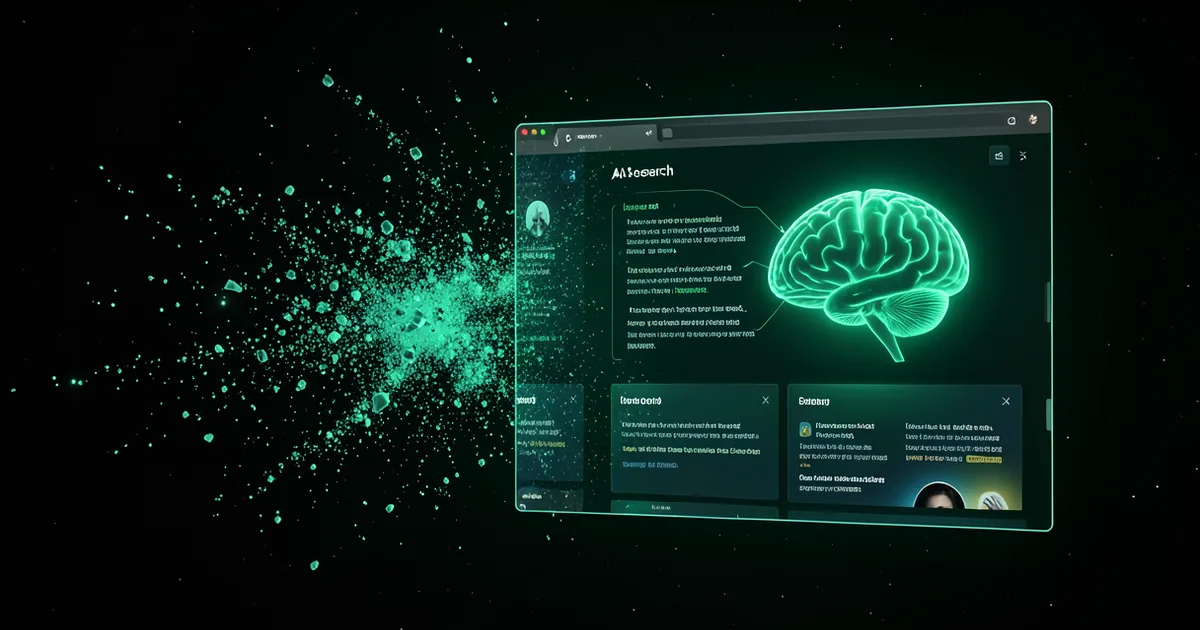
Most AI agents ship the same shape: a small chat bubble in the bottom corner. Visitors click it, type into a tiny window, and scroll plain text. AI Mode takes a different path. When a visitor activates it, the page transitions into a purpose-built AI interface — the navigation, hero, and footer give way to an interactive experience that understands your business, answers with rich visual content, and guides visitors toward conversion. It is less a widget on your page and more your page, reimagined around the conversation.
Four Templates for Every Brand
AI Mode ships with four professionally designed templates that control the overall layout and interaction pattern. Spotlight places the AI front and center with a single-column conversational flow, ideal for product pages and landing pages. Dashboard arranges AI responses in a grid layout with cards, stats, and quick-action buttons, perfect for data-rich businesses. Magazine presents AI content in an editorial style with hero images, pull quotes, and multi-column layouts, suited for content-heavy brands. Chat Thread preserves the familiar conversational interface but expands it to fill the full viewport with larger typography, inline media, and action cards. Each template is fully responsive and works flawlessly on mobile, tablet, and desktop.
Rich Content Blocks
- Hero blocks with headline, subtext, and call-to-action buttons rendered dynamically based on the AI response
- Stats grids displaying key metrics like pricing, performance numbers, or comparison data in visually appealing cards
- Pricing tables that pull real plan data and render interactive comparison layouts
- FAQ accordions that expand inline, keeping the visitor in the AI experience without page navigation
- Image galleries with lightbox support, generated from your knowledge base media
- Action cards for booking meetings, submitting forms, or triggering webhooks directly within the AI interface
- Code blocks with syntax highlighting for technical documentation and developer-focused products
Seamless Activation and Coexistence
AI Mode does not replace your chat agent — it complements it. You can offer both experiences at once. A visitor might start with a quick question in the chat bubble, then switch to AI Mode for a deep dive into your product features. Activation is instant: a single button click or a data attribute on any HTML element triggers the transition. The AI Mode overlay smoothly animates into view, preserving the scroll position of the underlying page so visitors can return exactly where they left off.