ProductSolutionsVoiceComparePricing
Sign inGet started →

Agentic AI platform by BPract Software Solutions LLP, Kozhikode. Deploy intelligent agents that talk, act, and integrate.

LinkedInTwitterInstagramFacebook
info@bpract.com
+91 8590137119

Product

Chat & AI ModeVoiceCapabilitiesPricing

Solutions

IndustriesUse casesTech stackCompare

Company

AboutContactResourcesBlog

Legal

PrivacyTerms
© 2026 BPract Software Solutions LLP. All rights reserved.
PrivacyTerms
Feature

Customizable Chat Widget

A production-ready chat widget that fits any website

The kaag.ai chat widget is a Shadow DOM web component that installs on any website with a single script tag. It supports streaming AI responses, dark mode, custom colors, launcher icon customization, pre-chat forms, and responsive mobile layouts. The Shadow DOM encapsulation keeps your website styles from conflicting with the widget, and keeps the widget from touching your page.

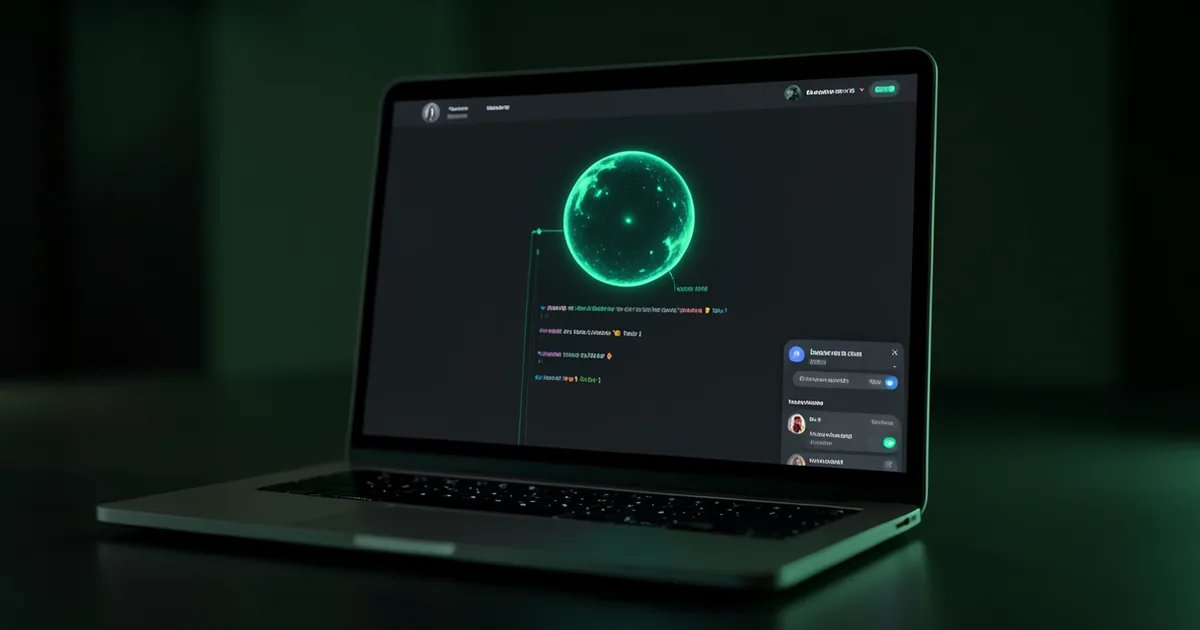
A website with the kaag.ai chat widget open in the bottom-right corner, showing a streaming AI response with the brain orb animation and dark mode styling.

Key benefits

Why Customizable Chat Widget earns its place

1

Shadow DOM web component guarantees zero CSS conflicts with your existing website styles

2

Single script tag installation works on any platform including WordPress, Shopify, Webflow, and custom HTML

3

Real-time streaming responses with animated brain orb give visitors immediate feedback

4

Dark mode support with automatic detection or manual toggle matches your site preferences

5

Fully customizable colors, position, launcher icon, and welcome message through the admin panel

6

Mobile-responsive design expands to full viewport on small screens for a native app feel

Why Shadow DOM Matters

Most embeddable widgets inject CSS directly into your page, creating unpredictable style conflicts. kaag.ai uses the browser Shadow DOM API to completely encapsulate the widget styles. Your CSS cannot leak in and the widget CSS cannot leak out. This means the widget looks exactly the same whether your website uses Tailwind, Bootstrap, custom styles, or no framework at all. There is no need for !important overrides, specificity hacks, or z-index battles.

One-Line Installation

Adding the widget to your site takes one script tag and one custom HTML element. The script loads the web component definition, and the custom element renders the widget with your agent configuration. You pass your agent ID as an attribute, and the widget fetches its configuration, colors, welcome message, and system prompt from the kaag.ai API automatically. No build step, no npm install, no framework dependency.

Customization Options

  • Primary and accent colors configurable through the admin panel with live preview
  • Launcher icon supports custom SVG, emoji, or the default kaag.ai chat icon
  • Welcome message and placeholder text set the tone for the visitor experience
  • Position can be set to bottom-right or bottom-left to avoid conflicts with other page elements
  • Pre-chat lead collection form gathers visitor name and email before the conversation starts
  • Custom CSS injection available for advanced styling needs beyond the built-in options

Streaming and Interaction

Every AI response streams in real time, token by token, with an animated brain orb indicating that the AI is thinking. Visitors see the response building progressively rather than waiting for a complete answer. The widget supports markdown rendering, inline action cards, clickable links, and code blocks. On mobile, the widget expands to fill the viewport and includes a native-feeling header with a close button.

FAQ

Frequently Asked Questions

Common questions about Customizable Chat Widget.

Will the widget slow down my website?
No. The widget script is loaded asynchronously with the defer attribute, so it never blocks your page rendering. The compiled bundle is optimized and minified with modern build tooling. The widget only makes API calls when a visitor opens it.
Can I use the widget on multiple websites?
Each widget instance is tied to one agent. If you need widgets on multiple domains, you create an agent for each one in the admin panel. Multi-tenant architecture means each site gets its own knowledge base, configuration, and analytics.
Does the widget work with single-page applications?
Yes. The web component lifecycle handles dynamic DOM insertion and removal gracefully. Whether you use React, Vue, Angular, or vanilla JavaScript, the widget persists across route changes and works with client-side navigation.
Works with

Customizable Chat Widget is one part of the agent

It composes with the rest of the platform. Chain these to go from answer to action.

AI Mode: Full-Site AI Transformation

Transform your entire website into an intelligent AI experience

Explore →

Agentic Actions & Workflows

Let your AI agent take real actions, not just answer questions

Explore →

Enterprise Security

67 security controls protecting your AI agent and your visitors

Explore →
Get started

See Customizable Chat Widget on your own site

Start free for 14 days with the full stack unlocked, no credit card required.

Get started →See pricing