
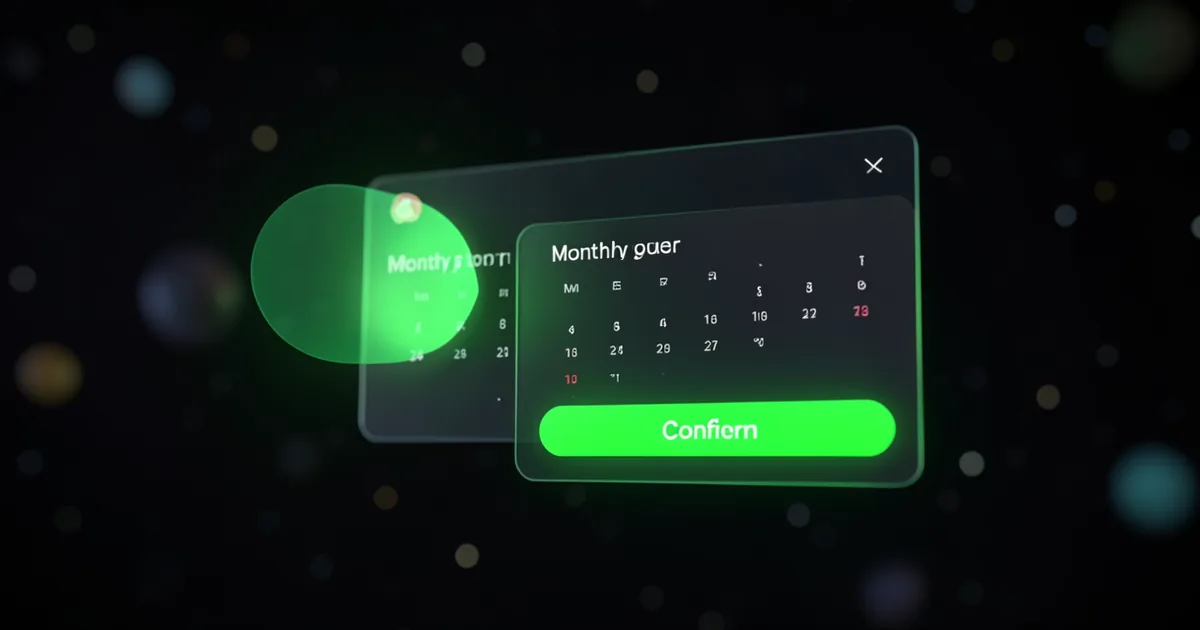
How Agentic Actions Work
When a visitor says something like "I would like to schedule a demo" or "Can you create a ticket for this issue," the AI agent recognizes the intent and proposes the appropriate action. The visitor sees a confirmation card with the action details and can approve or modify the parameters before execution. Once confirmed, kaag.ai executes the action through the action engine and returns the result inline in the chat. The entire flow happens without leaving the conversation, and the visitor never needs to navigate to a separate page or fill out a standalone form.
The Four Action Types
- book_meeting: Presents a date and time picker, collects attendee details, and creates a calendar event or sends a booking notification to your team
- create_ticket: Gathers issue details from the conversation, assigns priority and category, and creates a support ticket in your configured system
- capture_lead: Collects name, email, phone, and custom fields from the visitor and stores them as a qualified lead in the admin panel
- webhook: Sends a JSON payload to any URL you configure, enabling integration with Zapier, Make, HubSpot, Salesforce, or any API endpoint
Configuration and Customization
Actions are configured per tenant in the admin panel. You define the action type, trigger conditions, required fields, confirmation message, and webhook URL if applicable. The AI uses your system instructions and the action configuration to decide when to propose each action. You can create multiple actions of the same type with different configurations, such as separate booking actions for sales demos and support calls.